
1
1. Install Pi
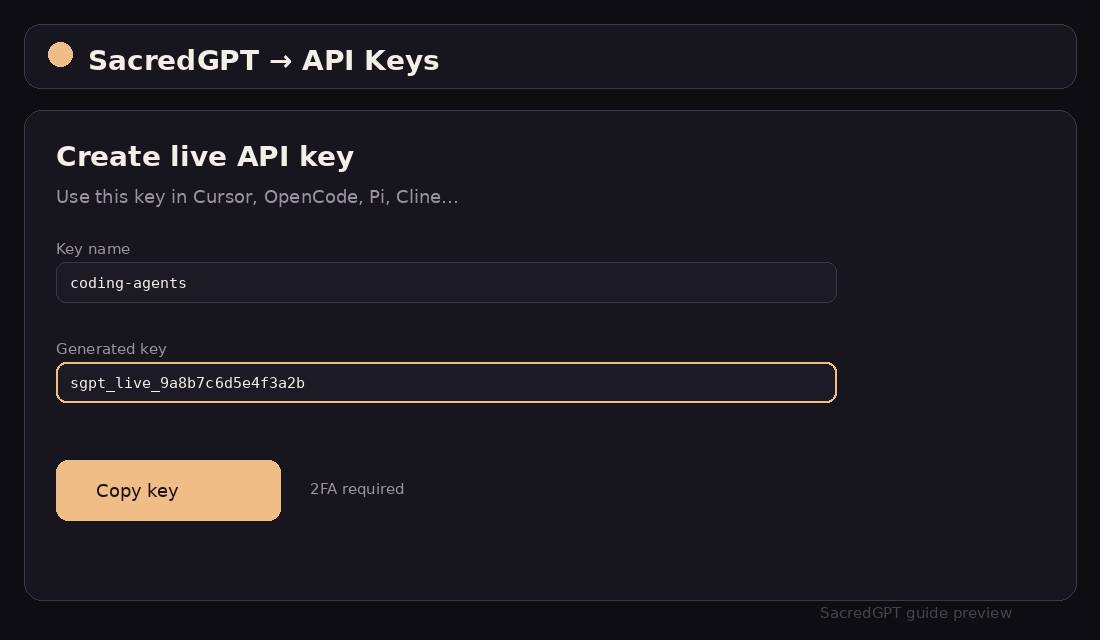
Install @earendil-works/pi-coding-agent and create a SacredGPT live key.
npm i -g @earendil-works/pi-coding-agent@latest
pi --versionMinimal terminal agent (pi.dev). Connect SacredGPT through ~/.pi/agent/models.json.
01 — Version & UI Path
02 — Step-by-Step Setup
Install @earendil-works/pi-coding-agent and create a SacredGPT live key.
npm i -g @earendil-works/pi-coding-agent@latest
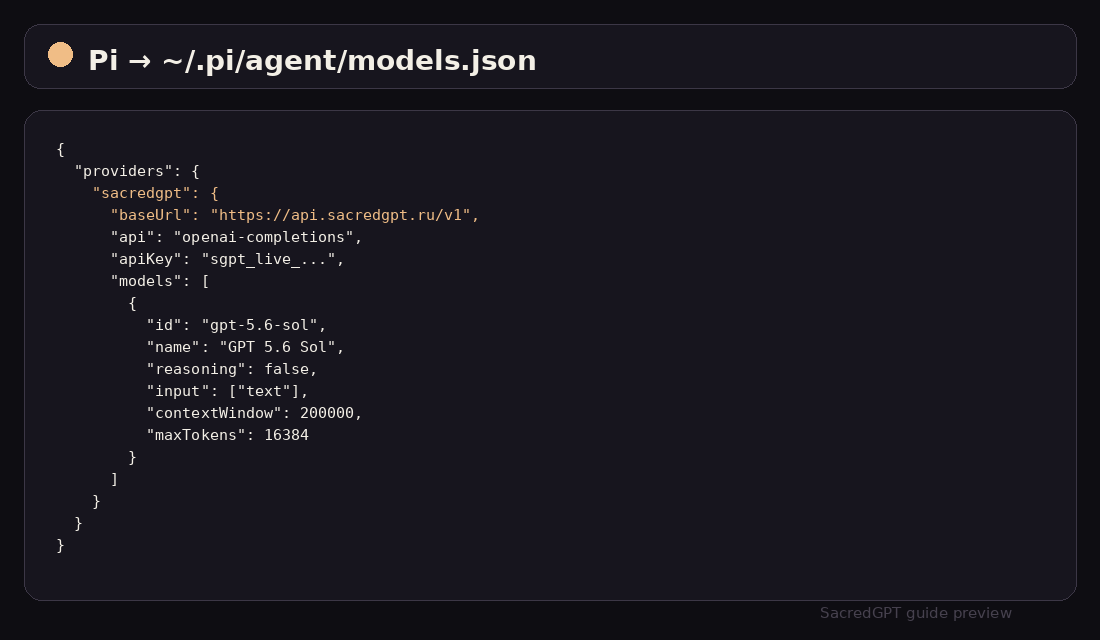
pi --versionCreate or edit ~/.pi/agent/models.json with the SacredGPT baseUrl, api openai-completions, your key, and model list.
Run pi, pick sacredgpt/gpt-5.6-sol (or another model), and give it a task.
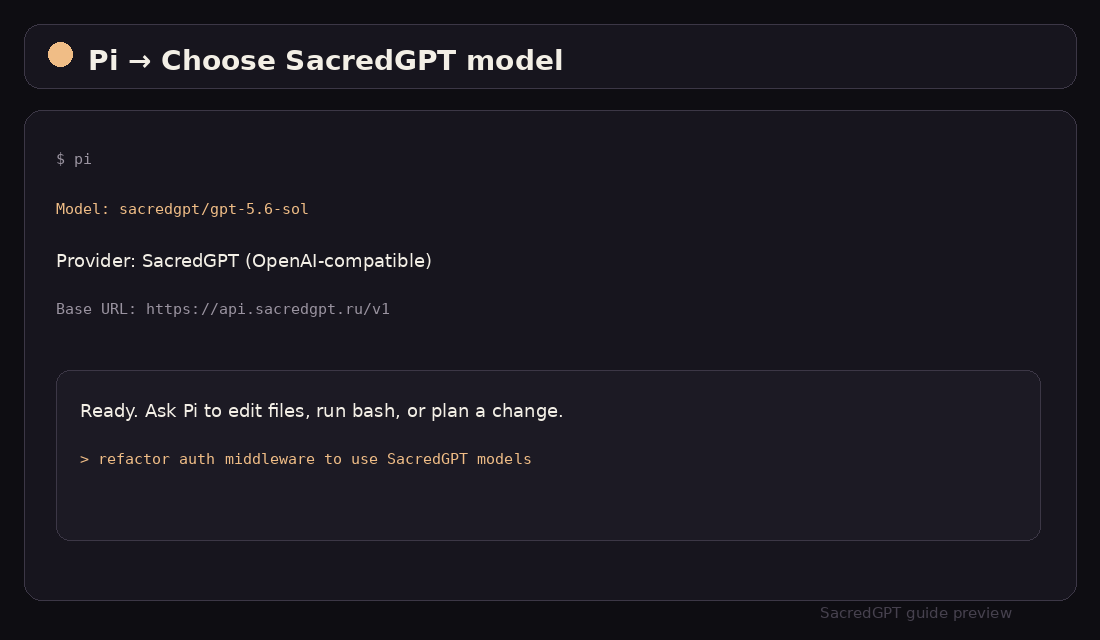
pi --model sacredgpt/gpt-5.6-sol03 — Configuration Example
{
  "providers": {
    "sacredgpt": {
      "baseUrl": "https://api.sacredgpt.ru/v1",
      "api": "openai-completions",
      "apiKey": "sgpt_live_9a8b7c6d5e4f3a2b1c0d",
      "models": [
        {
          "id": "gpt-5.6-sol",
          "name": "GPT 5.6 Sol",
          "reasoning": false,
          "input": ["text"],
          "contextWindow": 200000,
          "maxTokens": 16384
        },
        {
          "id": "claude-sonnet-5",
          "name": "Claude Sonnet 5",
          "reasoning": false,
          "input": ["text"],
          "contextWindow": 200000,
          "maxTokens": 16384
        },
        {
          "id": "minimax-m3",
          "name": "MiniMax M3",
          "reasoning": false,
          "input": ["text"],
          "contextWindow": 1000000,
          "maxTokens": 16384
        }
      ]
    }
  }
}
04 — Troubleshooting
Confirm baseUrl ends with /v1 and api is openai-completions. Upgrade Pi to 0.83.0+.
Provide the key in models.json, auth.json, or --api-key. Without auth, models load but stay unavailable.